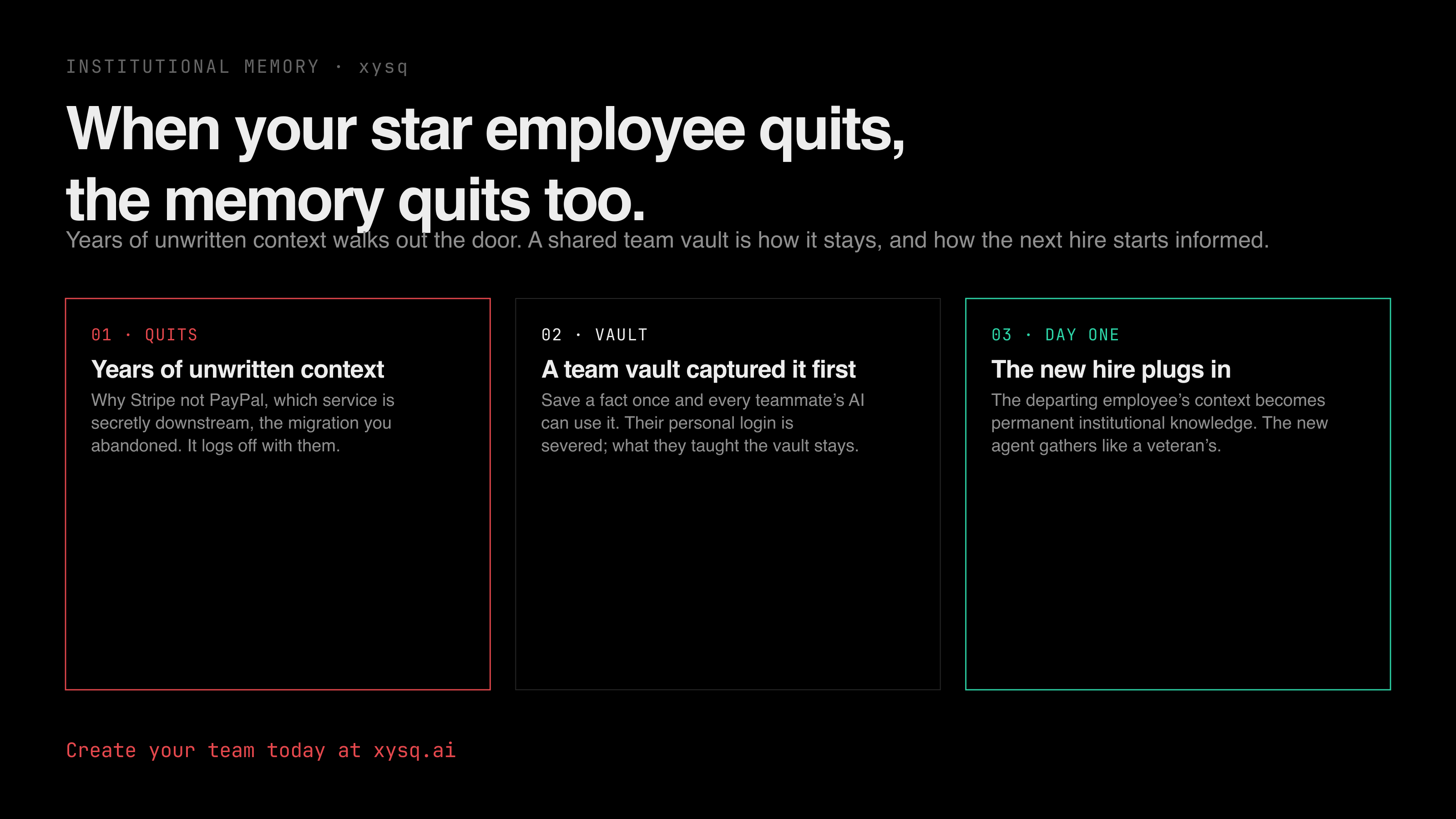
When your star employee quits, the memory quits too
Your best engineer leaves and takes years of unwritten context with them. Here's how to set up a shared team memory so that context stays with the team, and get a new hire's AI up to speed on day one.
When your best team member quits, they take years of unwritten context with them. Not the stuff in the docs. The other stuff: why you picked Stripe over PayPal, which service is secretly downstream of the one you're about to change, the migration you abandoned and the reason you abandoned it. That lives in their head, and on their last day it logs off with them.
And it's worse now, because it's not just your remaining teammates left in the dark, it's their AI tools too. Every agent on the team wakes up with no idea what the person who left knew. You're back to hunting through isolated Slack threads, buried Drive folders, and dead-end tickets, the exact archaeology that context was supposed to save you from.
The fix isn't a better exit interview. It's capturing how your team works long before anyone gives notice, into one place the whole team, and every AI, can read. That place is a shared team memory. Here's how to set one up in about five minutes.
The idea in one line#
A team vault is a single shared memory for your whole team's AI. Anyone saves a fact once, and from then on every teammate's AI can use it. The decisions and patterns stop being locked in one person's head. When someone leaves, their personal login is severed, but what they taught the vault stays. When someone joins, they plug in and their agent gathers like a veteran's on day one.
Set it up#
You'll want two accounts to see the real payoff at the end (you, plus a teammate). Testing solo is fine too, you can do steps 1 to 6 yourself and check the vault.
1. Sign up. Create your account at app.xysq.ai. A few seconds with Google or email.
2. Create a team. In the dashboard, go to Teams and click New Team. Name it (call it engg for this walkthrough). Your team now has its own shared vault, separate from anyone's personal memory.
3. Add your teammates. Open the team's Settings, find Invite Member, enter an email, pick a role, and send. They click the link and they're in. No account yet? They sign up with the same email and land straight in the team.
4. Connect your AI tool. Each person connects their own tool once at app.xysq.ai/connect-agent. Claude Code, Claude, ChatGPT, Cursor, Windsurf, Codex, Gemini, and Antigravity are all supported. Most take a minute.
5. Save something to the team. In your AI tool, name the team in your prompt so it lands in the shared vault, not your personal one:
Retain to the engg team: we use Stripe, not PayPal, decided after the 2025 fees review.
With no team named, a save goes to your personal vault only, so nothing lands in the team by accident.
6. Check the vault. Go to app.xysq.ai, open the engg team, and look at its vault. Your fact is sitting there, the shared memory every member can reach.
7. Recall it from a teammate's AI. The payoff. Have your invited teammate flip Include in recall on for the engg team (on their Teams page), then ask their own AI:
Do we use Stripe or PayPal, and why?
Their AI answers "Stripe, decided after the 2025 fees review," even though they never typed it. One person saved it, everyone's AI knows it.
What to actually save#
Save the things that would leave with a person. The load-bearing, undocumented stuff:
- "We use Stripe, not PayPal." (and the why)
- "Don't touch the auth middleware, it's load-bearing."
- "That test is flaky. Bump the retry, don't rewrite it."
- "
ledger-svcis downstream ofpayments-svc, nobody remembers this until it breaks."
Save each one once. Every teammate's AI knows it from then on, no matter which tool they use. That's the whole move: the departing employee's unwritten context becomes permanent institutional knowledge that brings your new hires up to speed on day one, instead of walking out the door.