Give your team's AI a shared memory
Every dev on your team uses their own AI tool, and each one only knows what that one person told it. Here's how to set up a single shared memory so a fact saved once is known by everyone's AI.
Every dev on your team uses their own AI tool. Claude Code, Cursor, whatever. The catch: each one only knows what that one person told it. Five devs means five separate AIs that don't share anything. So the same facts get explained over and over.
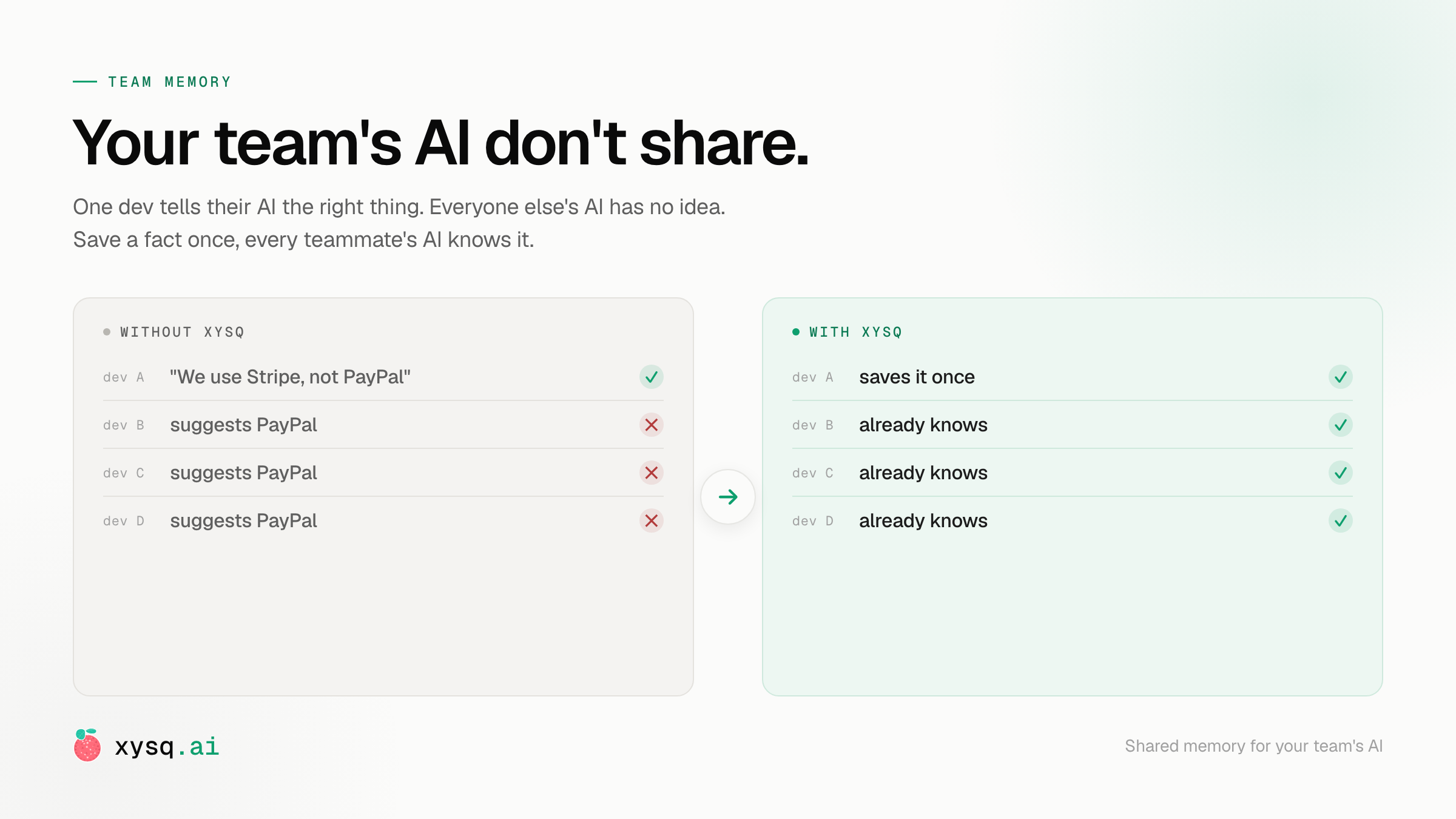
You've felt this. One person tells their AI "we use Stripe, not PayPal." The next teammate asks their AI about payments and it confidently suggests PayPal, because it was never in the room when that got decided. Multiply that across every convention, every "don't touch that," every flaky-test workaround your team has built up.
Team memory fixes it. One shared memory for the whole team's AI. Anyone saves a fact, and from then on every teammate's AI can use it. Save once, not five times.
This guide gets you there in about five minutes. We'll set up a team, connect your AI tool, and prove it works by saving something on one account and recalling it from another.
You'll want two accounts to see the payoff at the end (you, plus a teammate). Testing solo? You can still do steps 1 to 6 and check the shared vault yourself.
Step 1 - Sign up#
Create your account at app.xysq.ai. A few seconds with Google or email.
Step 2 - Create a team#
In the dashboard, go to Teams and click New Team. Give it a name (call it engg for this walkthrough) and an optional description. That's it. Your team now has its own shared vault, separate from anyone's personal memory.
Step 3 - Add your teammates#
Open your team's Settings, find the Invite Member card, type a teammate's email, pick their role, and click Send invite. They get a link, click it, and they're in. If they don't have an account yet, they can sign up with the same email and land straight in the team.
Step 4 - Connect your AI tool#
Each person connects their own AI tool to xysq once. Go to app.xysq.ai/connect-agent, pick your tool, and follow the self-paced steps right there.
Claude Code, Claude (web and desktop), ChatGPT, Cursor, Windsurf, Codex, Gemini, and Antigravity are all supported. Most take a minute or two.
Step 5 - Save something to the team#
In your AI tool, name the team in your prompt. Use a throwaway fact so it's easy to spot later:
Retain to the engg team: our team mascot is a caffeinated capybara.
Your AI calls xysq and stores it in the shared vault. With no team named, a save goes to your personal vault only, so nothing lands in the team by accident.
Step 6 - Check the vault#
Go to app.xysq.ai, open the engg team, and look at its vault. Your capybara fact is sitting there. This is the shared memory every member can reach.
Browsing and managing a vault →
Step 7 - Recall it from a teammate's AI#
Now the payoff. Have the teammate you invited in step 3 do two things:
- On their Teams page, flip the Include in recall toggle on for the engg team. This tells their AI to read from the team.
- In their own AI tool, ask:
What's our team mascot?
Their AI answers "caffeinated capybara," even though they never typed it. One person saved it, everyone's AI knows it. That's team memory.
That's it#
You now have a shared memory for your team's AI. From here, save the things you keep re-explaining:
- "We use Stripe, not PayPal."
- "Don't touch the auth middleware, it's load-bearing."
- "That test is flaky. Bump the retry, don't rewrite it."
Save each one once. Every teammate's AI knows it from then on, no matter which tool they use.